
How to Use Shopify Bundles with Klaviyo
TLDR
- Klaviyo doesn't have native bundle support, but you can use cart permalinks to add bundles directly to cart from emails
- Create a fixed bundle in Flex Bundles, then copy the cart permalink from the bundle settings
- Paste the cart permalink as the button URL in your Klaviyo email template
- Customers click the button, the bundle is added to their cart, and they're ready to checkout
Klaviyo is one of the best email marketing platforms for Shopify stores, but it doesn't have built-in support for bundles. If you want to promote your bundles in Klaviyo campaigns or flows, you need a workaround.
The solution is simple: use cart permalinks.
What Are Cart Permalinks?
Cart permalinks are special URLs that automatically add products to a customer's cart when clicked. Instead of sending customers to a product page where they have to click "Add to Cart," the product is already in their cart and they're one step closer to checkout.
The format looks like this:
https://your-store.myshopify.com/cart/variant_id:quantity
With Flex Bundles, you can get a cart permalink for any fixed bundle and use it in your Klaviyo emails.
Setting Up Bundles for Klaviyo
Step 1: Create a Fixed Bundle
In Flex Bundles, create a fixed bundle with your desired components. Fixed bundles have predetermined products that don't change, which is exactly what you need for email marketing.
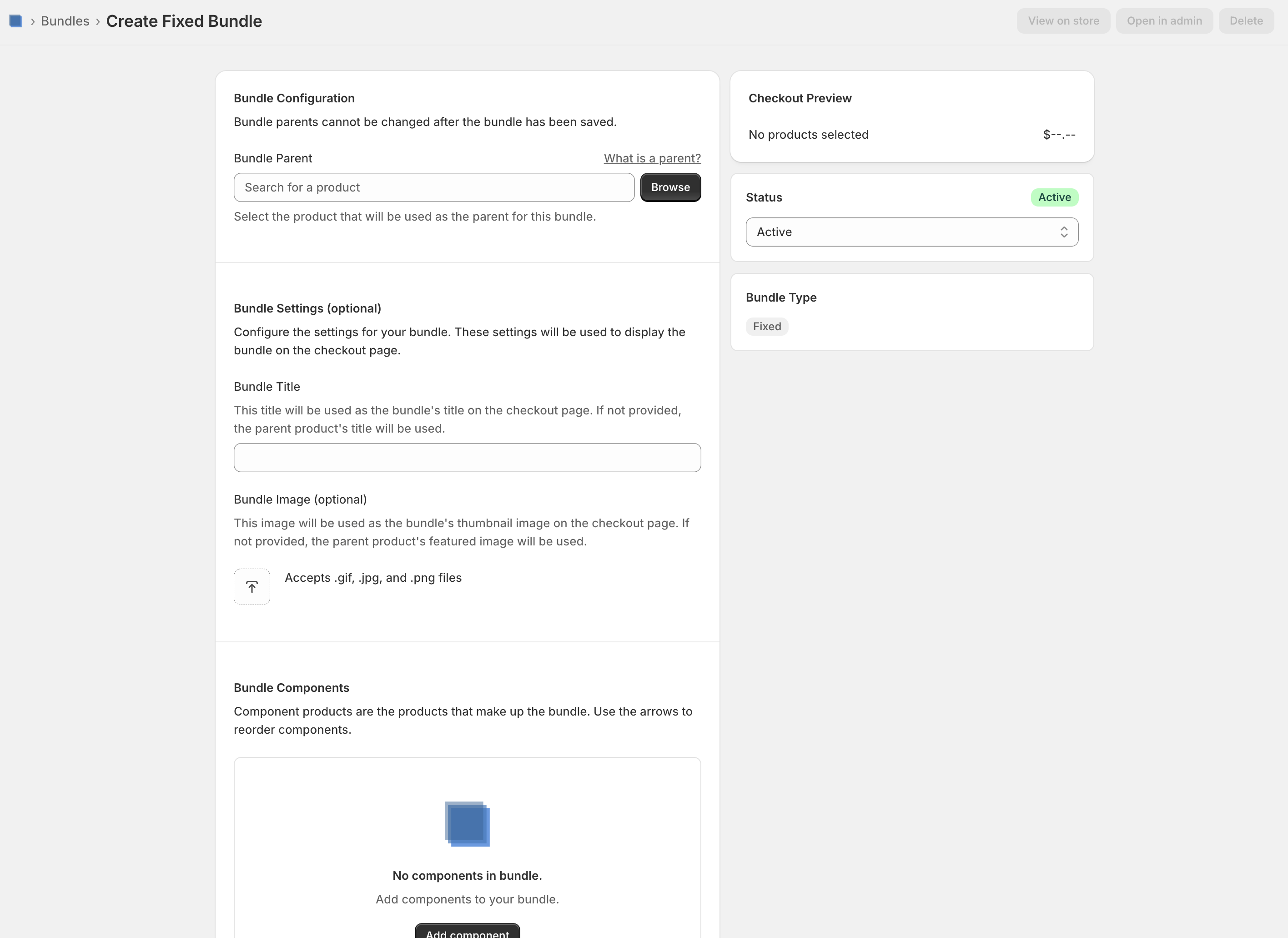 A fixed bundle with two components configured in Flex Bundles
Step 2: Get Your Cart Permalink
Once your bundle is set up, you need to create a cart permalink using the parent product's variant ID. Shopify's cart permalink documentation explains the format:
https://your-store.myshopify.com/cart/variant_id:quantity
You can find your variant ID in the Shopify admin by going to your bundle's parent product, clicking on the variant, and looking at the URL. The number at the end is your variant ID.
Step 3: Add to Your Klaviyo Email
In Klaviyo, create or edit your email template. When adding a button or text link, paste your cart permalink as the destination URL. You can use this in any block that accepts a link—buttons, images, or text.
When customers click the link, your bundle is automatically added to their cart and they're taken directly to checkout.
Use Cases for Klaviyo + Bundles
Welcome Series
Introduce new subscribers to your best-selling bundle with a one-click add-to-cart button. Remove friction and boost conversion rates for first-time buyers.
Post-Purchase Upsell
After a customer buys a single product, send them an email promoting a related bundle. "Love your new coffee? Try our Coffee Lover's Bundle with 3 bags and a free mug."
Seasonal Campaigns
Promote holiday bundles, gift sets, or limited-time offers with direct cart links. Perfect for Black Friday, Valentine's Day, or any seasonal push.
VIP Early Access
Give your best customers early access to new bundles with exclusive cart permalinks before they're available on your site.
Winback Campaigns
Re-engage lapsed customers with a special bundle offer. The one-click convenience can help overcome purchase hesitation.
Tips for Success
Add UTM parameters to track which emails drive bundle sales. Append
?utm_source=klaviyo&utm_medium=email&utm_campaign=your-campaign-nameto your cart permalink.Test before sending. Always click through your cart permalink to make sure the bundle adds correctly before sending to your list.
Show the value. In your email, clearly communicate what's included in the bundle and the savings customers get. The cart permalink handles the mechanics, but your copy sells the offer.
Use compelling CTAs. Instead of "Shop Now," try "Add Bundle to Cart" or "Get This Bundle" to set expectations for what the click does.
Cart permalinks bridge the gap between Klaviyo and your Shopify bundles. By removing the extra steps between email click and checkout, you create a smoother buying experience that can significantly improve conversion rates.
Ready to start promoting bundles in your Klaviyo campaigns? Install Flex Bundles to see how it works.
Frequently Asked Questions
Can I use dynamic product blocks in Klaviyo to show bundles?
Yes, Klaviyo's dynamic product blocks can pull bundle products from your Shopify catalog and link to the product page. Cart permalinks offer an additional benefit: they let customers add the bundle directly to cart with one click, skipping the product page entirely. Use dynamic blocks when you want customers to see the full product page, and cart permalinks when you want a faster path to checkout.
Do cart permalinks work with Klaviyo flows?
Yes, cart permalinks work in any Klaviyo email, whether it's a campaign or a flow. You can use them in welcome series, post-purchase flows, abandoned cart emails, or any other automated sequence.
Can I track bundle purchases from Klaviyo?
Yes. Add UTM parameters to your cart permalink to track which emails drive bundle purchases. For example: https://your-store.myshopify.com/cart/12345:1?utm_source=klaviyo&utm_medium=email&utm_campaign=bundle-promo
Does this work with mix-and-match bundles?
No, cart permalinks only work with fixed bundles where the components are predetermined. Mix-and-match bundles require customers to make selections, which can't happen through a cart permalink. For mix-and-match bundles, link to the bundle product page instead.